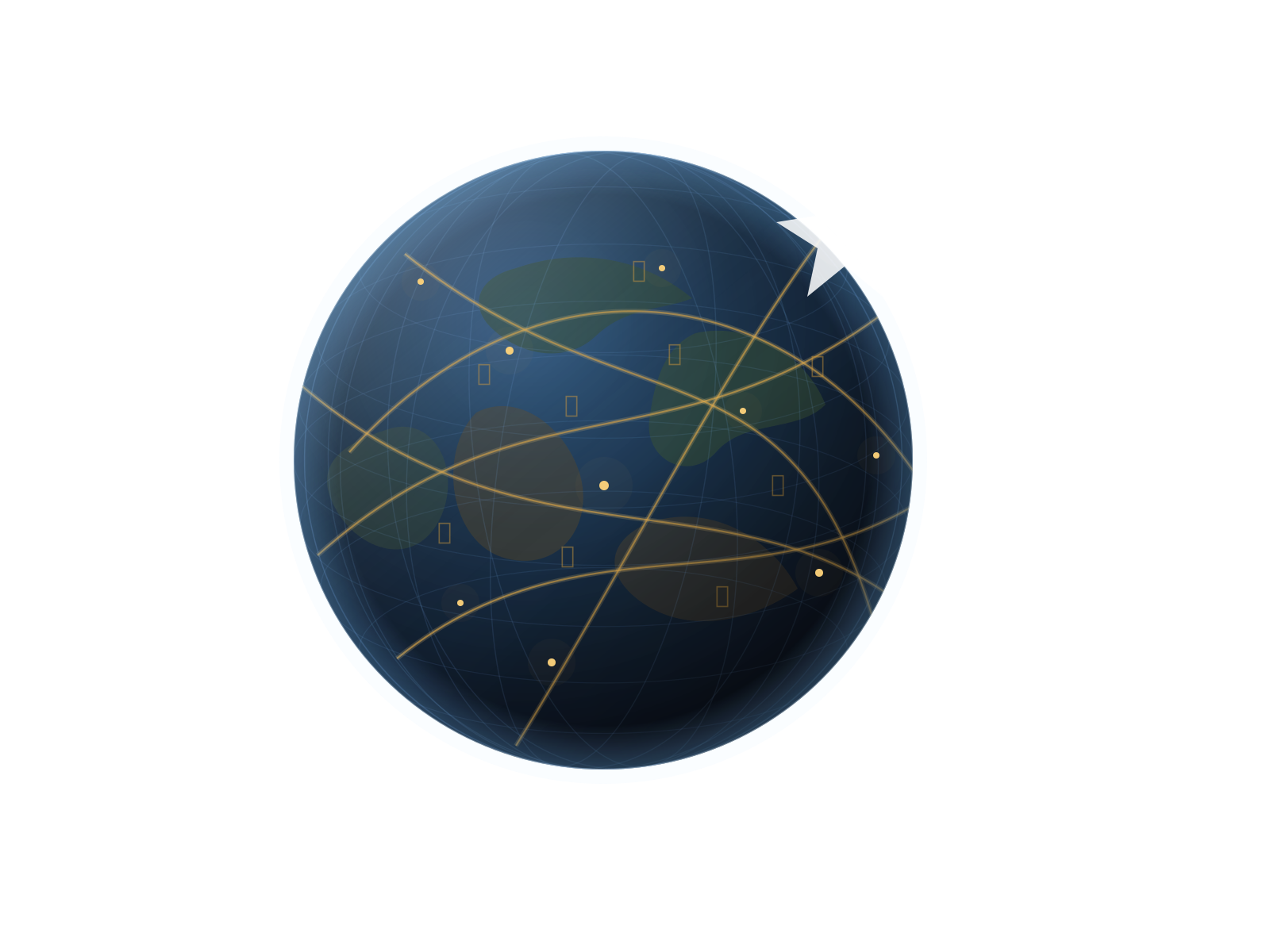

Generate the astrocartography chart on this page
Your astrocartography chart and map appear directly after calculation, so you can inspect the core result without leaving the homepage.
Generate your free astrocartography chart and interactive map on this page. When you are ready to move beyond the lines, check, shortlist, or compare cities, then create a Personal Astrocartography Report to see which places deserve closer research and the opportunities and trade-offs they carry for career, relationships, home, wellbeing, and exploration.
Most astrocartography tools stop after showing planetary lines. AstroCarto helps you keep going: check a city, shortlist candidates with Find My Best Places, compare places, review line distance and strength, create reports, and ask AI with map or report evidence.
Your astrocartography chart and map appear directly after calculation, so you can inspect the core result without leaving the homepage.
Enter a place you are considering and see how that city connects to your generated astrocartography map.
Not sure which city to check first? Shortlist candidate cities for relocation, career, love, home, balance, or move-or-stay from your astrocartography chart.
Keep cities you are considering in My Places, then reopen one for a city check or compare 2–4 locations by goal.
Create a Personal Astrocartography Report with priority places, life-theme verdicts, trade-offs, an interactive evidence map, and PDF. You can also create a Best Places report or ask AI with the completed report.
AstroCarto starts with your generated astrocartography map, then builds structured location evidence for city checks, Personal Astrocartography Reports, AI follow-up, and Full AI Comparison Reports.
Your astrocartography chart and interactive map are calculated before any AI interpretation. The map is the foundation.
Shortlist candidates with Find My Best Places, check one city, use checked cities as context, or compare selected places before generating reports.
Across career, relationships, home, growth, and travel, cross-check planetary lines, major angle aspects, Parans, relocated charts, and birth-time sensitivity for support, conflicts, and trade-offs.
Create a Personal Astrocartography Report for priority places, life-theme verdicts, trade-offs, and next checks. Use a Full AI City Comparison Report for 2–4 chosen cities.
After your astrocartography map is generated, you can check one city or compare the places you actually care about. AstroCarto shows line distance, strength, goal fit, and watch-out signals so you can understand how each location is supported by your chart.
Example values are synthetic and shown to explain the astrocartography comparison format. Your own result depends on your birth data, generated astrocartography chart, selected cities, and chosen goal.
| City | Strongest Map Signal | Distance | Goal Fit | Watch-out |
|---|---|---|---|---|
| London | Venus MC | 128 km | Career visibility | Broad Saturn IC context |
| Sydney | Moon IC | 86 km | Home & grounding | Mars IC caution |
| Tokyo | Mercury AS | 214 km | Travel & learning | Low caution |
When you ask AI from a city check, city comparison, or generated report, AstroCarto can attach calculated evidence first. AI explains those signals instead of inventing new planetary lines.
AI starts from your completed report. Ask why a place ranked highly, where signals conflict, or what to verify before making a real-world decision. AI explains the report; it does not invent evidence or change the ranking.
Evidence sent with this question
Personal Astrocartography Report attached
This sample uses synthetic birth data and the production report version to show the actual deliverable: place rankings, a city deep dive, an interactive evidence map, trade-offs, next checks, and PDF.
See how a chart becomes priority places and direct verdicts.
See how planetary lines, major angle aspects, Parans, relocated charts, and birth-time sensitivity shape the verdicts.
Review each place’s opportunities, trade-offs, conflicts, and short- or long-term checks.
Preview the interactive web report, complete PDF, and report-aware AI follow-up.
A static astrocartography map can show where planetary lines fall. AstroCarto helps you move from map viewing to city evidence, personal reports, and report-based AI interpretation.
Static astrocartography tools
Show planetary lines on an astrocartography map
AstroCarto workflow
Generates your chart, then lets you check cities, compare places, and create reports
Static astrocartography tools
Leave users to estimate line distance manually
AstroCarto workflow
Calculates approximate city-to-line distance, strength, and planet-angle context
Static astrocartography tools
Explain one line or one city at a time
AstroCarto workflow
Combines multiple evidence types into one Personal Astrocartography Report with priority places, five life-theme verdicts, trade-offs, city deep dives, and next checks
Static astrocartography tools
AI can feel generic
AstroCarto workflow
AI can explain calculated map evidence or use a generated report as context
The goal is not to choose a guaranteed best city. The goal is to make location decisions easier to explore with clearer astrocartography evidence.
You do not need advanced astrocartography knowledge to begin. Start with the free astrocartography chart calculator, then move from map evidence to personal reports at your own pace.
Enter your birth date, birth time, and birth location.
Generate your astrocartography chart and interactive astrocartography map directly on this page.
Shortlist cities with Find My Best Places, check one city, or compare 2–4 real cities.
Choose a goal and review line distance, strength, support signals, caution signals, and trade-offs.
Create a Personal Astrocartography Report when you want priority places, key trade-offs, and next checks saved in one report.
Download the PDF or attach the report to AI follow-up questions when you need deeper interpretation.
Astrocartography can help you understand place-based themes, but it should not be treated as a deterministic prediction. AstroCarto separates chart calculation, location evidence, report generation, and AI interpretation.
Your astrocartography chart and map are generated before AI interpretation. The map is the foundation.
Before ranking places, each report cross-checks multiple layers of location astrology, including ordinary planetary lines, major angle aspects, Parans, relocated charts, and birth-time sensitivity.
Rankings, verdict levels, and confidence come from one calculation pipeline. AI improves the wording; it cannot change rankings, invent evidence, or alter the method.
Use the result alongside practical factors such as visas, safety, cost of living, work, family needs, and health.
FAQ
Have another question? Contact us at [email protected]
An astrocartography chart is a world map created from birth data. It shows where planetary lines such as AS, DS, MC, and IC fall across different locations. The chart is the birth-based calculation, and the astrocartography map is the visual result.
Yes. You can generate the core astrocartography chart and map for free without signing up. After signing in, you can also save unlimited places in My Places for free. Personal reports, downloads, AI follow-up, and full comparison reports may require a paid pack, credits, or a plan.
This astrocartography calculator uses birth date, birth time, birth location, and timezone to generate a chart and map. AstroCarto also lets you check cities, compare multiple places, review line distance and strength, and use AI with map evidence attached.
Yes. After the chart is generated, you can enter a city and see the nearest planetary lines, approximate distance, strength, and planet-angle context for that location.
Yes. You can add 2–4 cities you are considering, choose a goal, and compare their astrocartography map evidence side by side.
You can compare cities for overall relocation fit, career and recognition, relationships and belonging, home and emotional stability, and travel or exploration.
There is no universal cutoff. AstroCarto treats line distance as context, not certainty. Closer lines may be more noticeable, but planet, angle, birth time accuracy, and real-world factors still matter.
AI can receive calculated map evidence such as city, planetary line, angle, approximate distance, strength, support role, and caution role. These signals are calculated before the AI answer, not invented by AI.
A Full AI Comparison Report is a structured report generated from your calculated astrocartography city comparison. It explains the ranking, city-by-city trade-offs, supportive lines, caution signals, limitations, and practical next steps, and it can be downloaded as a PDF after generation.
Yes. You can review a preview before unlocking the full report with credits. The exact credit cost is shown before generation. Reopening the same completed report or downloading its PDF does not use credits again.
A Personal Astrocartography Report is a structured decision-support report generated from your astrocartography chart and location context. It can include data used, decision verdict, top places, goal verdicts, caution signals, next city checks, limitations, and a downloadable PDF.
Pro includes evidence-backed personal reports for up to 10 people, an HD astrocartography map you can save, share, or print, unlimited city checks and comparisons, downloadable PDF reports, AI follow-up credits, chat export, and one-time payment with no subscription.
Yes. After a report is generated, it can be attached as context for AI follow-up questions. AI can use the report summary and evidence highlights to answer more specifically. Follow-up questions may require AI access, credits, or a plan that includes AI follow-up.
A Personal Astrocartography Report is designed around one person's chart and location context, with top places, cautions, and next city checks. A Full AI Comparison Report is generated from a completed multi-city comparison and focuses on ranking selected cities by a chosen goal.
The report uses your generated astrocartography chart, selected or checked city context, calculated planetary lines, approximate line distance, strength, support signals, caution signals, and report mode.
No. AstroCarto does not make relocation decisions for you. Find My Best Places shortlists candidate cities from your astrocartography chart so you can review evidence, compare places, and weigh practical factors.
Start with your free astrocartography chart and save places you are considering to My Places. When you want to know which places to research first, what trade-offs to consider, and what to do next, create a Personal Astrocartography Report.
Start free with the astrocartography map and 2 initial AI readings. Pro includes Find My Best Places, HD map download, premium planet lines, unlimited city checks and comparisons, chat export, 10 complete Personal Astrocartography Reports, and 4,000 AI credits. Ultimate includes 20 complete reports and 10,000 AI credits.
$29.9
For deeper research with more reports, more AI readings, and saved AI chat history.
Includes 20 complete Personal Astrocartography Reports.
$19.9
For exploring multiple places with deep-dive reports, AI readings, and downloadable maps.
Includes 10 complete Personal Astrocartography Reports.
Free
Start exploring with your astrocartography map, 3 AI readings, and 1 city check.
Free access includes initial readings and basic map tools.