Astrocartography Chart Example
Astrocartography AI by AstroCarto

Astrocartography Chart Example

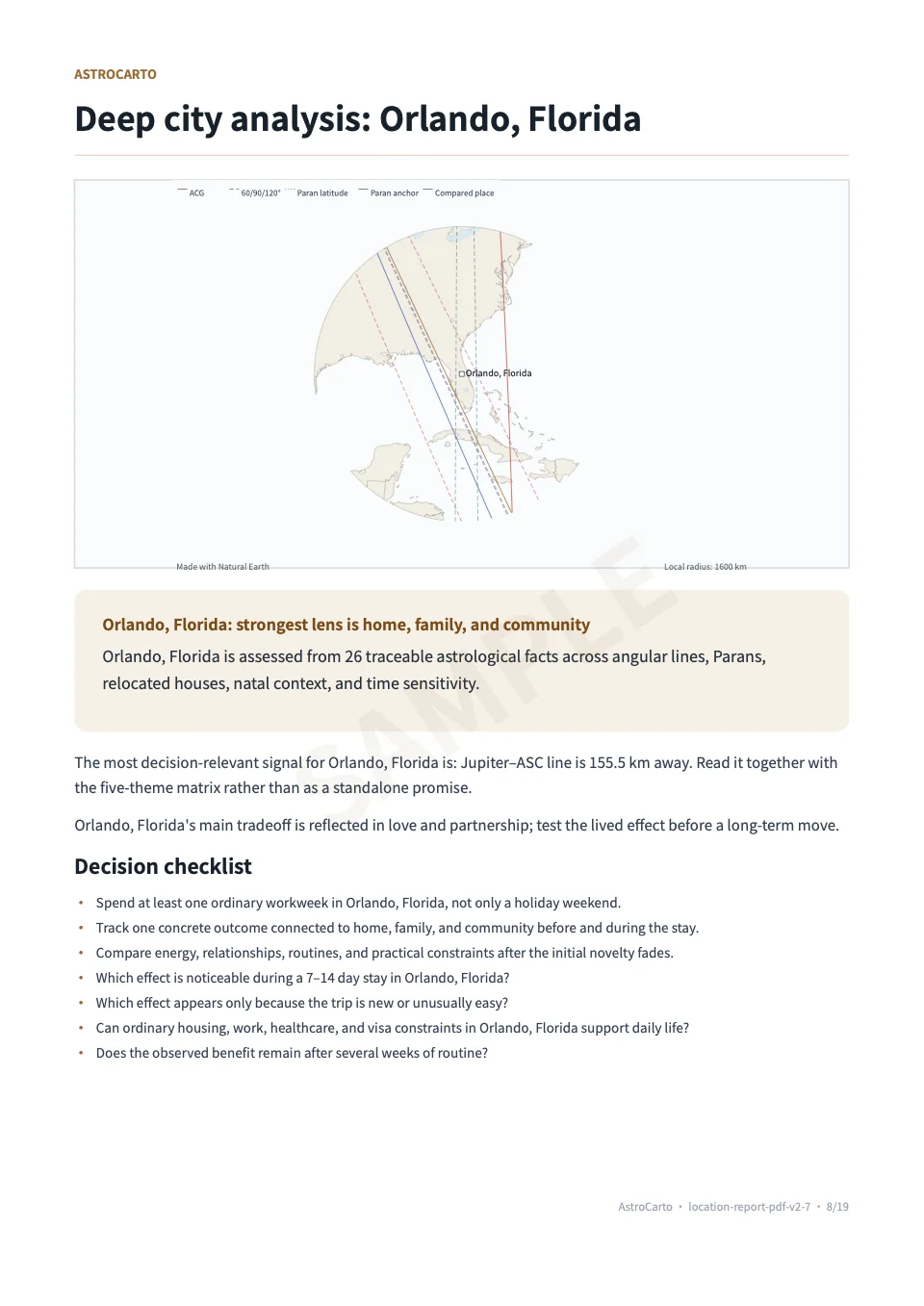
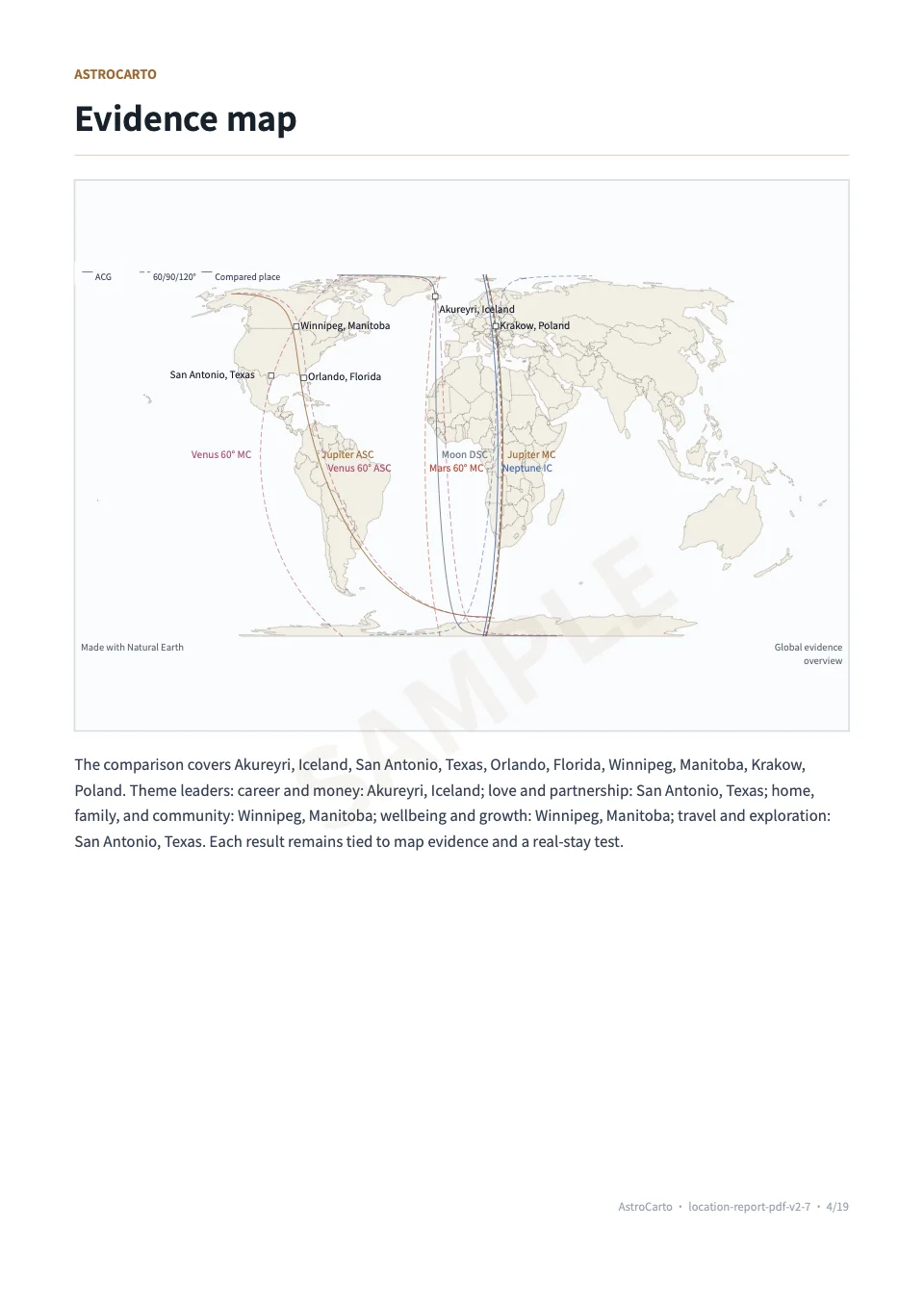
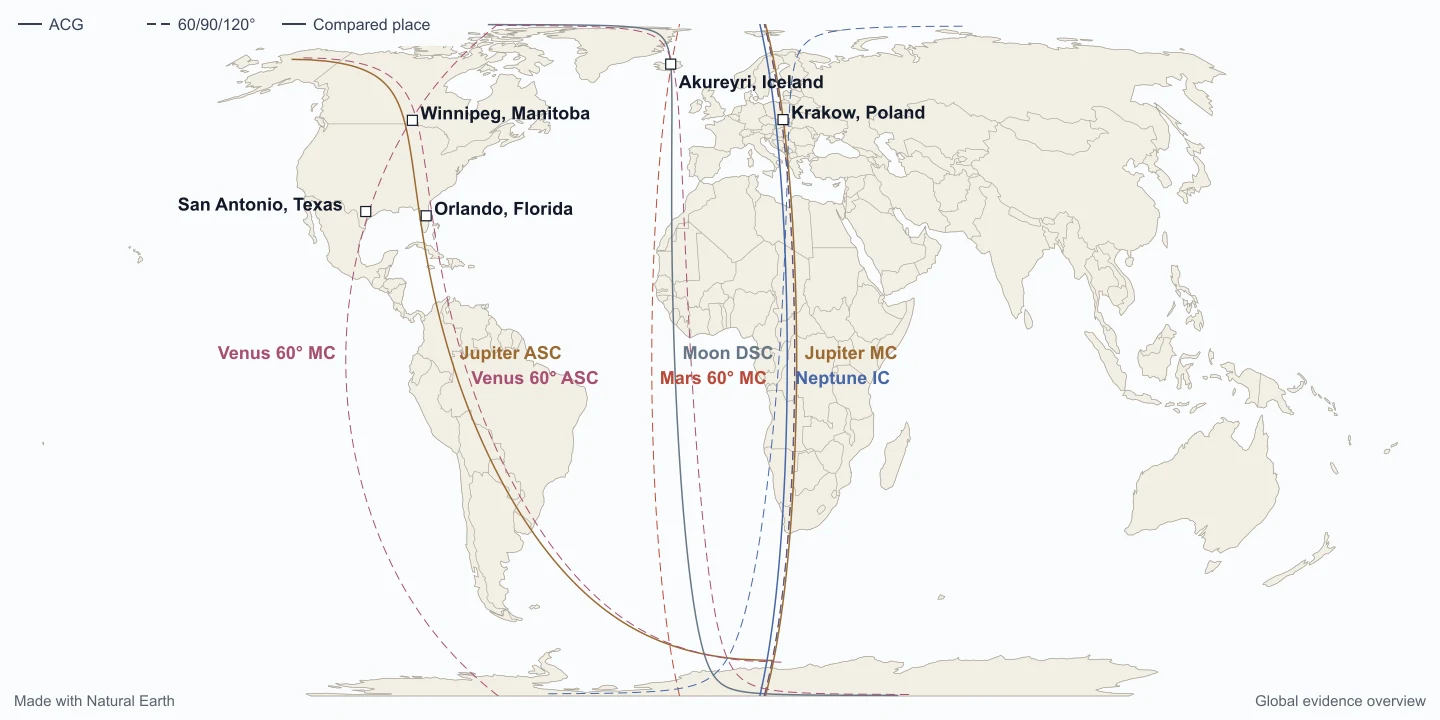
This page shows what a typical astrocartography result is designed to include inside Astrocartography AI. It explains the result structure, what users can do after generating a chart, what kinds of follow-up questions Ask AI can help with, and how embedded and fullscreen views fit together.

01

What a typical astrocartography result includes

A typical result includes an astrocartography map, line-based location context, and the user’s chart-derived geographic output. The purpose of the result is not just to display a map image, but to give users a working surface for comparing places, inspecting line patterns, and understanding where different planetary emphases appear.

02

What users can do after generating a chart

After generating a chart, users can inspect the map, compare cities, open the same chart in fullscreen, and continue into follow-up interpretation workflows. Depending on the flow, users may also continue into AI-assisted interpretation or later commercial steps without needing a completely different product surface.

03

Examples of questions users can ask AI

Ask AI is meant for follow-up interpretation questions on top of the chart, not as a replacement for the chart itself.

  • Which city looks stronger for career visibility?
  • How would you compare London and Sydney for long-term relocation?
  • Which lines matter more for relationships and emotional stability?
  • What is the difference between a strong MC line and a strong IC line in this chart?
  • Which locations look better for travel versus permanent relocation?
04

Embedded vs fullscreen

Embedded and fullscreen are two ways of working with the same chart. Embedded is the in-page chart experience inside the homepage or calculator flow. Fullscreen is a larger interaction mode for inspecting the same chart with more visual space. It should not be described as a separate product tier or as a mode with different core chart functionality.

05

Which page is best for which kind of question

Use the homepage when you want product overview and direct usage in one place. Use the calculator page for tool-intent queries about chart generation and workflow. Use the methodology page for calculation details. Use this example page when you want to explain what the output looks like and how a user typically works with it.

06

Where to go next

If you want to generate a real chart immediately, use the homepage. If you want the dedicated calculator surface, use the calculator page. If you want to understand how the calculation stack works, use the methodology page.

Astrocartography Chart Example | What a Result Includes